






📄
What is theme detection?
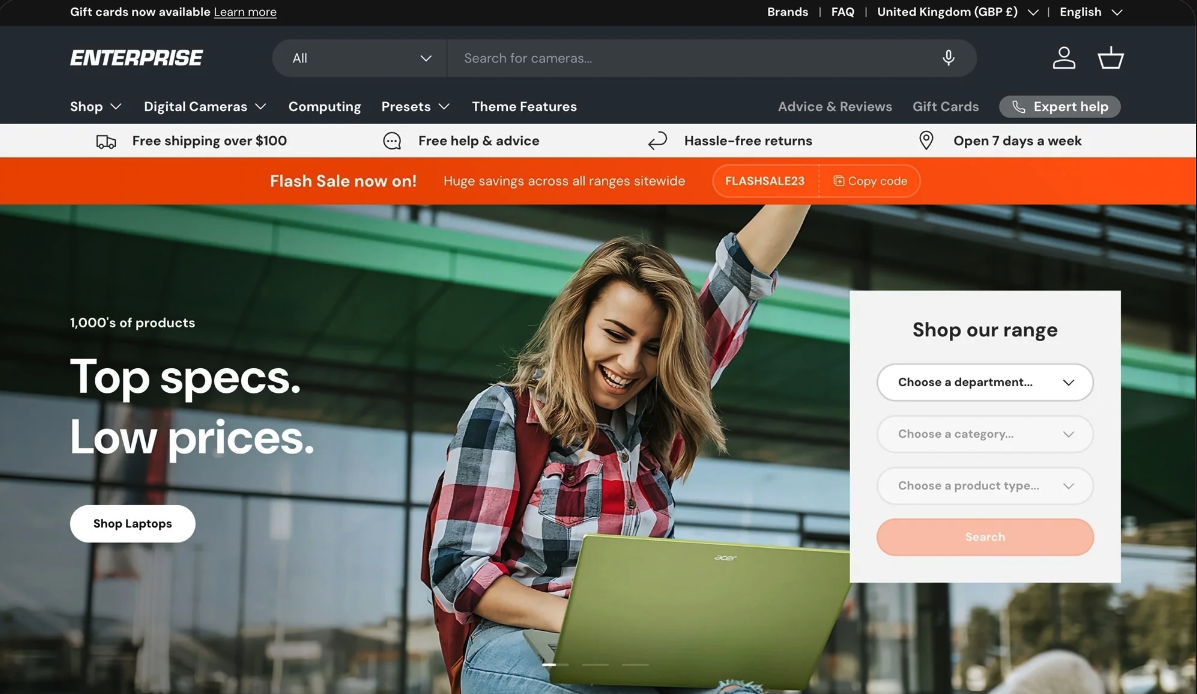
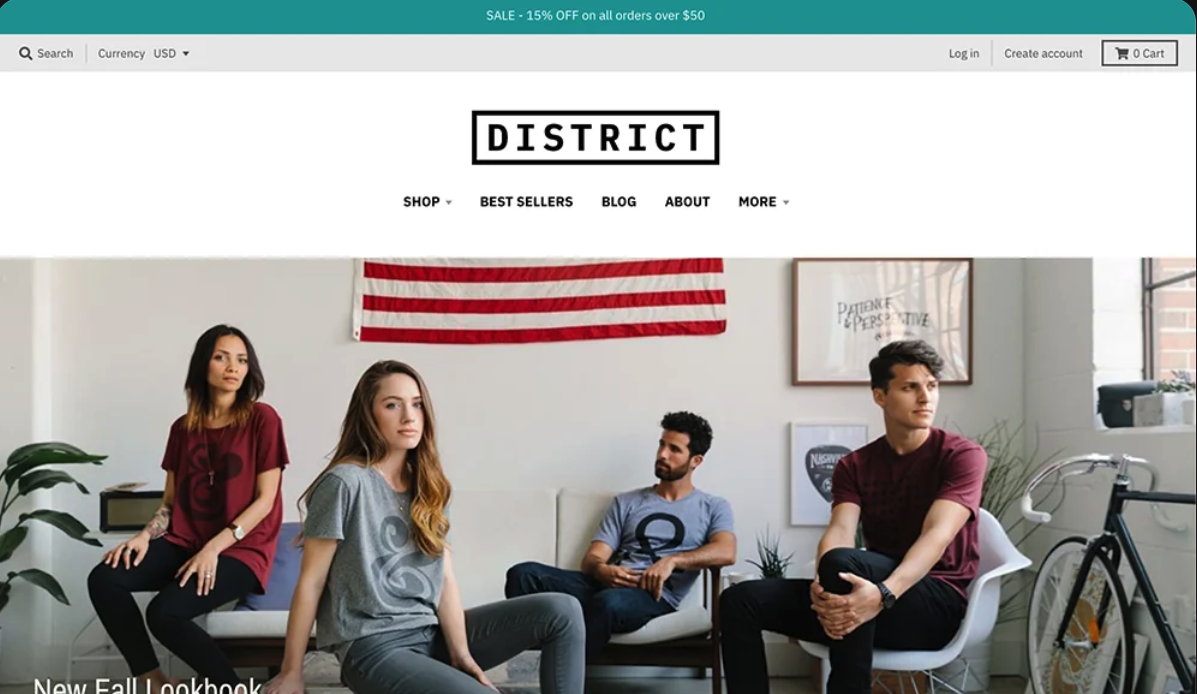
Detecting a Shopify theme is the first step in finding the template behind a store you admire. There are thousands of themes out there, so tracking one down by hand can take forever. The fastest route is to paste the store's URL above and let us surface the answer for you.
Find a theme with the detector
Once you know which theme a store runs on, you can decide how it fits your own plans. Ask yourself: are you dropshipping or holding your own inventory? Selling digital or physical products? Those answers help you choose the right theme to build on.
Detect the theme manually
Prefer to dig into the code yourself? Here's how it works:
- Open the store, right click and choose View Page Source (or press
Ctrl+U/Cmd+Option+U). - Search the page for
Shopify.theme(Ctrl+F/Cmd+F). - You'll find an object like
Shopify.theme = {"name": "...", "schema_name": "Dawn", ...}. schema_nameis the field that matters, it maps to the real base theme.nameis a label the owner sets, and it's often a rename.- Many successful stores rename the theme or null out the store ID to hide it. That's exactly why the tool at the top reads the code fingerprint and recovers the real base theme for you.